Stop scrolling. Find it. Save it.

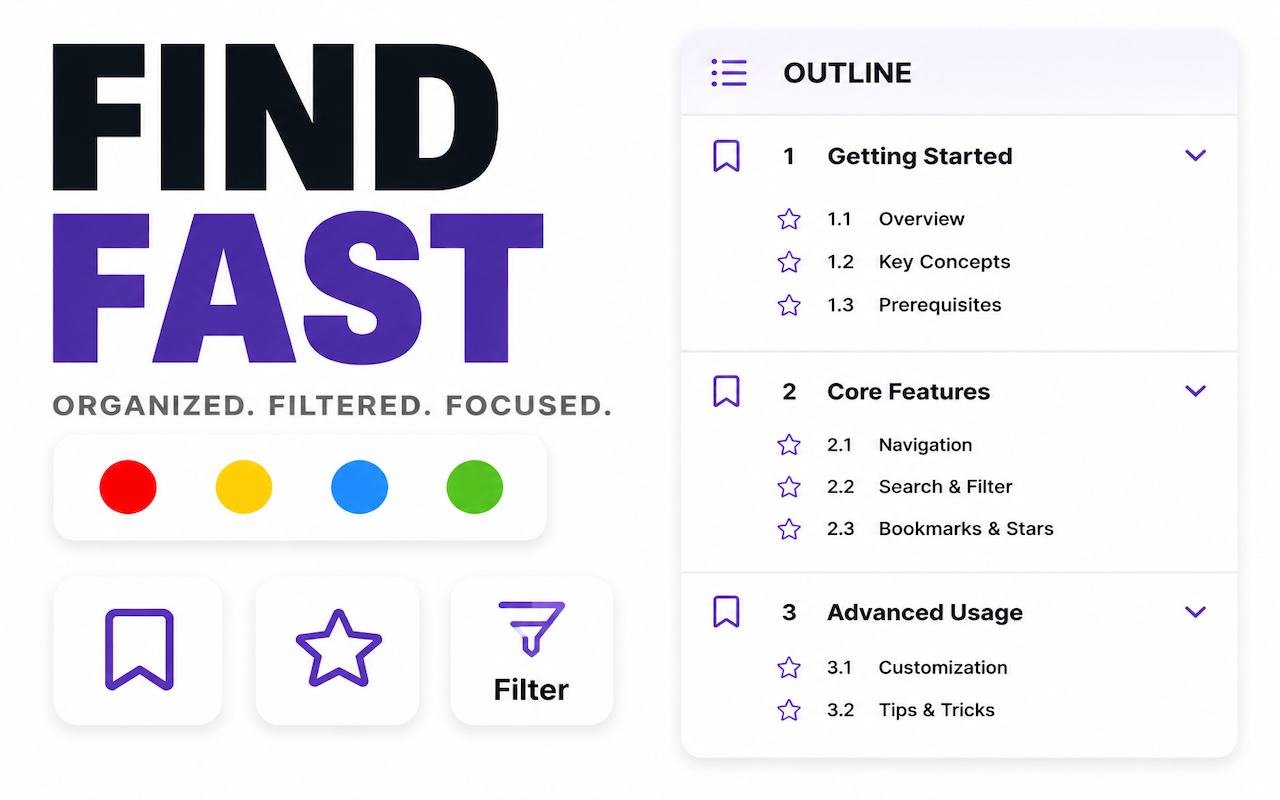
Automatically build a clickable outline for long ChatGPT and Gemini conversations. Jump to any message instantly, bookmark what matters, and export with structure intact.

Chrome extension Works with ChatGPT & Gemini Local-first, private 200+ message conversations

Long AI conversations are impossible to navigate.

You ask ChatGPT or Gemini a question. You follow up. You dig deeper. Before you know it, the conversation is 150 messages long—and the one answer you need is buried somewhere in the middle. You scroll. You search. You give up and re-ask the question.

Outline fixes this. It automatically builds a clickable directory of your entire conversation. Find any message in one click. Bookmark the ones worth keeping. Export them before they disappear into chat history.

What it does

Clickable outline for 200+ message conversations

One click generates a full table of contents from any ChatGPT or Gemini conversation. Works on threads of any length—200 messages or more.

Jump to any message instantly

Click any item in the outline. The page scrolls directly to that message. No more endless scrolling through hundreds of replies.

Bookmark what matters

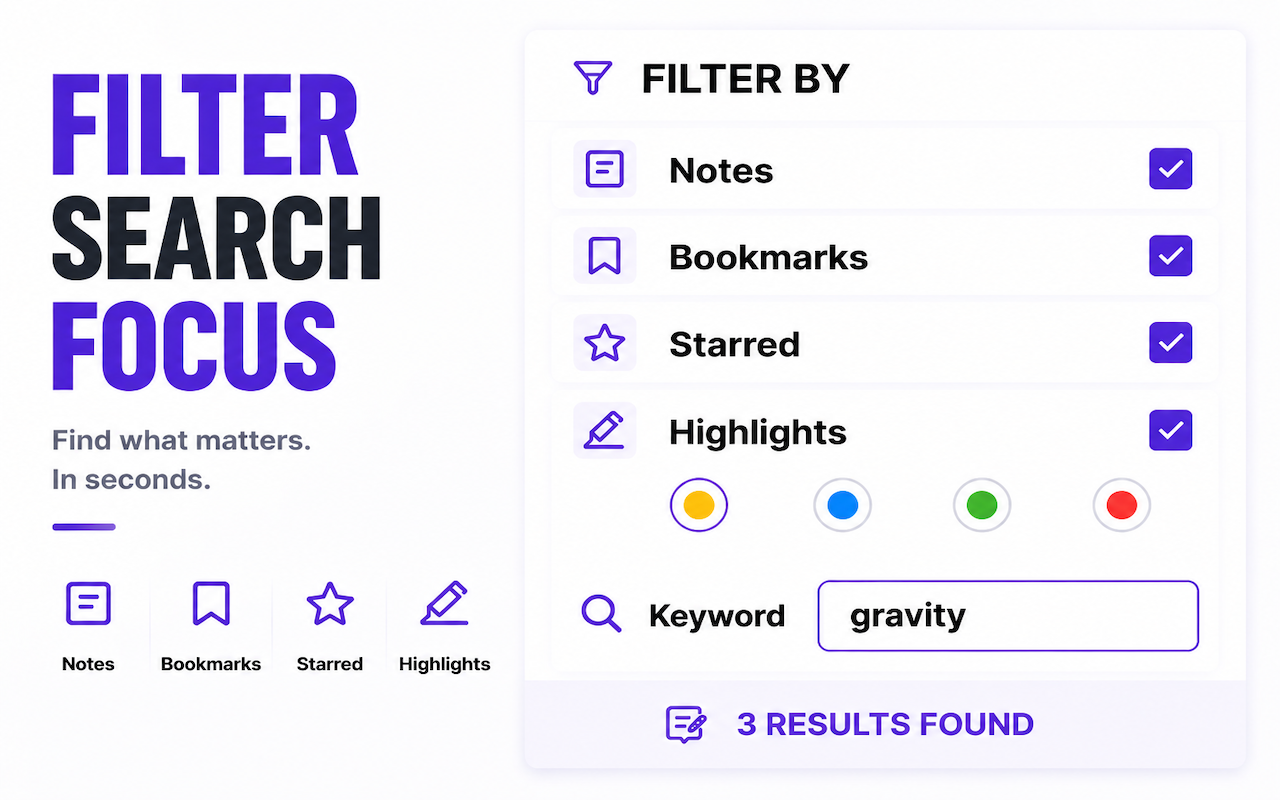
Mark the specific Q&A turns worth keeping. Free users get 5 bookmarks per session; Pro users get unlimited. Revisit your bookmarks anytime.

Export to Inbox with structure intact

Send conversations to Inbox and the directory structure stays. Jump between messages inside Inbox just like in the original chat. No other export tool does this.

Markdown export

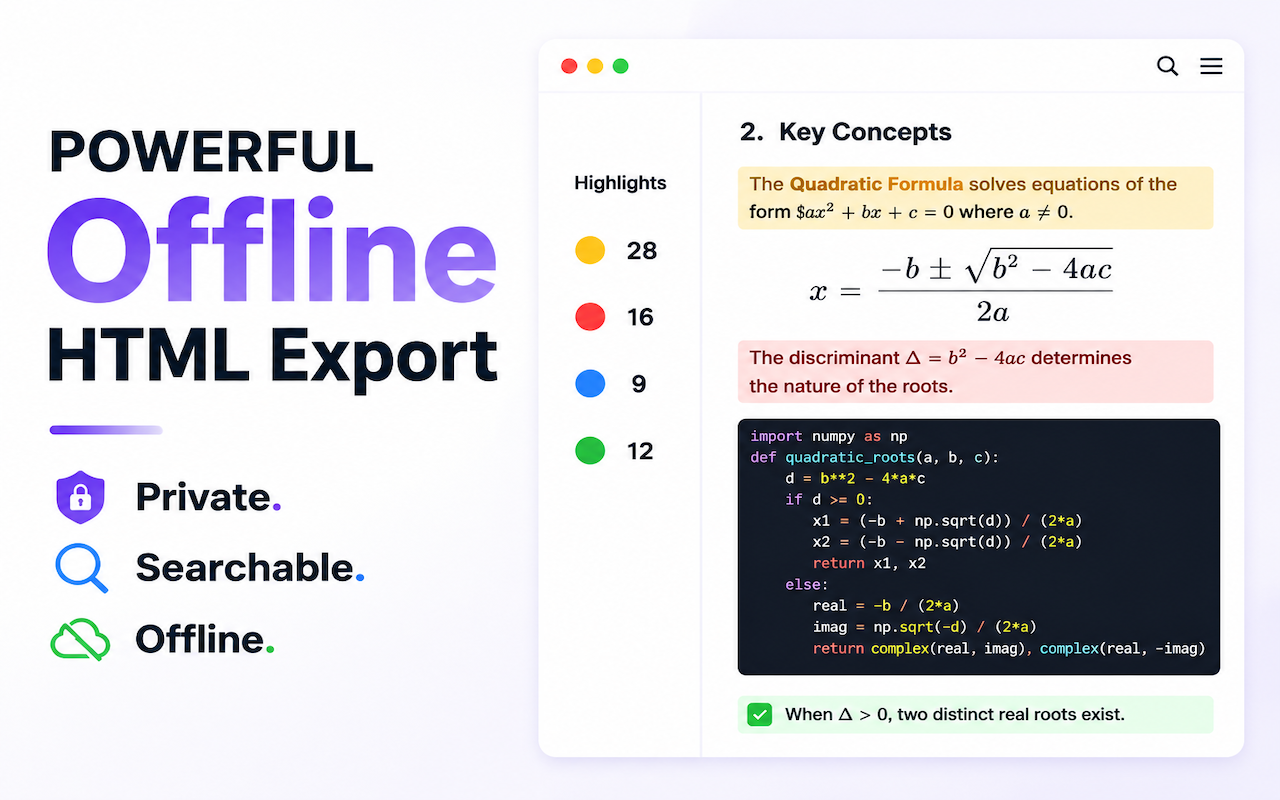
Export full conversations or only bookmarked Q&As as clean Markdown files. Works with or without Inbox.

Local processing, private by design

All page content stays in your browser. Nothing is uploaded to any server. The extension works offline after activation.

See it in action

Also includes

Dark mode Matches your system preference automatically.
Keyboard shortcuts Alt/Option + ←/→ to toggle the sidebar.
Flexible sidebar Switch left/right, resize by dragging.
Auto-refresh Outline updates when new messages appear or you switch conversations.
Image-aware Image-only prompts are labeled for faster scanning.
Continuously maintained We adapt when ChatGPT or Gemini change their page structure, so the extension keeps working.
Pricing

Free to start. Pro when you need more.

All plans include unlimited directory jumping for both ChatGPT and Gemini. Pro adds unlimited bookmarks, exports, and Inbox AI summaries.

Free

Free

Full directory navigation for ChatGPT and Gemini.

  • 🟢Directory jumping: unlimited for all ChatGPT and Gemini conversations
  • 🟡Bookmarks: 5 bookmarks per session
  • 🟠Exports: 5 exports per month — ChatGPT, Gemini, Inbox, and local Markdown combined
  • 🟢Inbox: local Mac app that preserves full directory structure; ChatGPT and Gemini conversations exported via Outline support directory jumping
  • Inbox summarization: Pro only — requires your own API key

Good for regular AI users who want reliable navigation, basic bookmarks, and occasional exports.

Pro Annual

Pro

$9.99/year $19.99/year

Everything in Free, plus unlimited bookmarks, exports, and AI summarization.

  • Directory jumping: unlimited for all ChatGPT and Gemini conversations
  • Bookmarks: unlimited per session
  • Exports: unlimited — ChatGPT, Gemini, Inbox, and local Markdown combined; bookmark export supports Markdown, PDF, and Typeless format
  • Inbox: local Mac app that preserves full directory structure; ChatGPT and Gemini conversations exported via Outline support directory jumping
  • Inbox summarization: deep AI summaries in the Inbox desktop app with your own API key

Pay once for annual access. This is not a recurring subscription, so there is no surprise renewal to cancel later.

Best for serious research, writing, coding, and recurring knowledge review.

New users get a 7-day Pro trial. During the trial, Pro limits apply to outline navigation, bookmarks, and exports.

Refund policy: All purchases are covered by a 14-day refund policy. View Refund Policy
Technology & privacy: Inbox is an optional local macOS app for Apple Silicon Macs. Data is stored on your device by default, AI summaries are triggered manually, and you provide your own API key inside Inbox. Inbox can be downloaded separately from wisteriasoftware.uk. Payments are processed by Paddle (Merchant of Record).

FAQ

What does Outline do?

It automatically generates a clickable table of contents for long ChatGPT and Gemini conversations, so you can jump to any message, bookmark key Q&As, and export what matters. Works on 200+ message threads.

Does it work with Gemini?

Yes. Outline works with both ChatGPT and Gemini in Chrome and Chromium-based browsers. There is no limit on Gemini directory jumping.

How do I activate after purchase?

You receive an activation code by email (e.g. XXXX-XXXX-XXXX). Enter it in the extension to activate. You only need internet for the first activation—it runs locally offline after that. Re-activation is allowed during the license period.

What if WeChat Pay succeeds but the page looks stuck?

WeChat Pay can complete asynchronously, so the success page may take a few minutes to update. Please allow about 15 minutes for the payment status to sync. The activation code email can also be delayed—if you haven’t received it after 20 minutes, contact support@wisteriasoftware.uk.

Is there a trial?

Yes. New users get a 7-day Pro trial with full Pro limits on navigation, bookmarks, and exports. Gemini directory jumping is unlimited during the trial.

Do I need to stay online?

No. Internet is only required for first activation. After that, the extension works entirely offline.

What is the difference between Free and Pro?

Both plans include unlimited directory jumping for ChatGPT and Gemini. Free gives you 5 bookmarks per session and 5 exports per month. Pro unlocks unlimited bookmarks and exports, plus Inbox AI summaries (with your own API key). See the pricing table above for a full comparison.

Does Outline upload my conversations?

No. All page content is processed locally in your browser. Nothing is uploaded to any server. The extension works offline after activation and does not send your conversation data anywhere.

Can I export only bookmarked parts?

Yes. Bookmark the Q&As you want to keep, then export only those sections to Markdown or Inbox—no need to export the entire conversation.